Track & field
Reps, heats and hand-offs
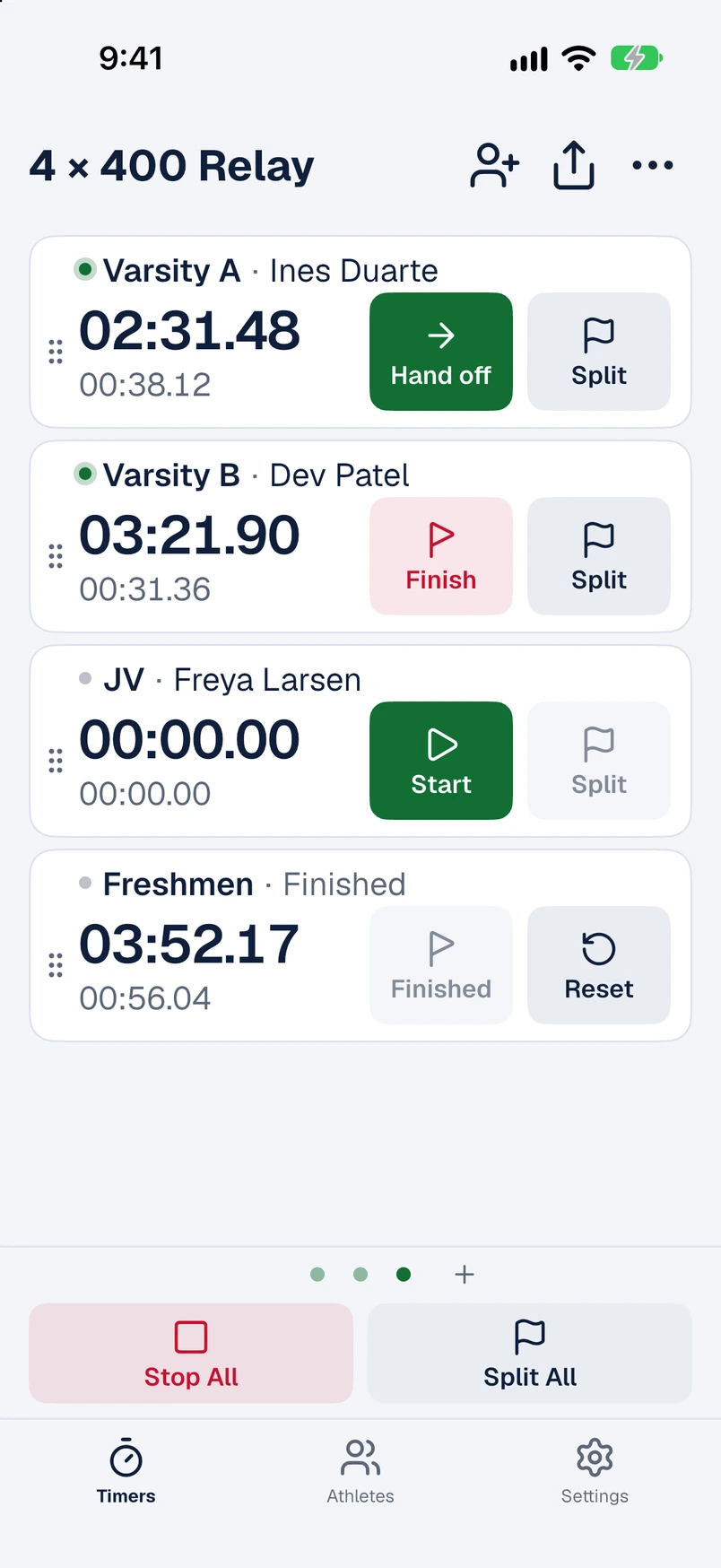
Start a whole heat together, split every lap, and time the 4 × 400 with a leg time for each runner.
- 6 × 400m
- 4 × 400 relay
- 200m heats
The stopwatch built for racing and training
BaseTimer times your whole group at once. Start everyone together, take splits to the hundredth, run relays leg by leg, and send the results home before the cool-down is over.
Track & field · Cross country · Swimming · Cycling
How it works
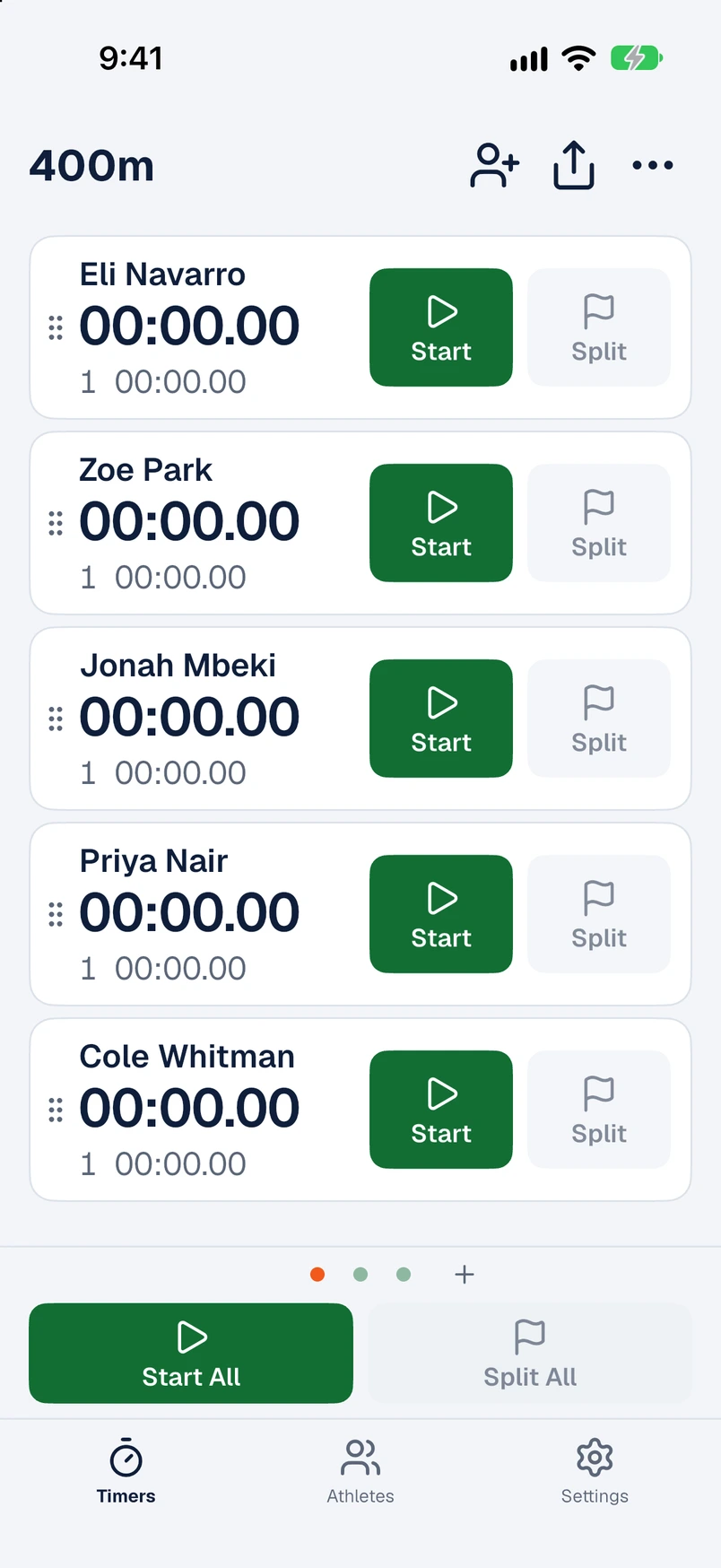
One row per athlete, each with its own clock to the hundredth and its own Start, Stop and Split. No more juggling handhelds.
Start All, Split All and Stop All stamp every timer with one shared timestamp, so a group start is exactly a group start.
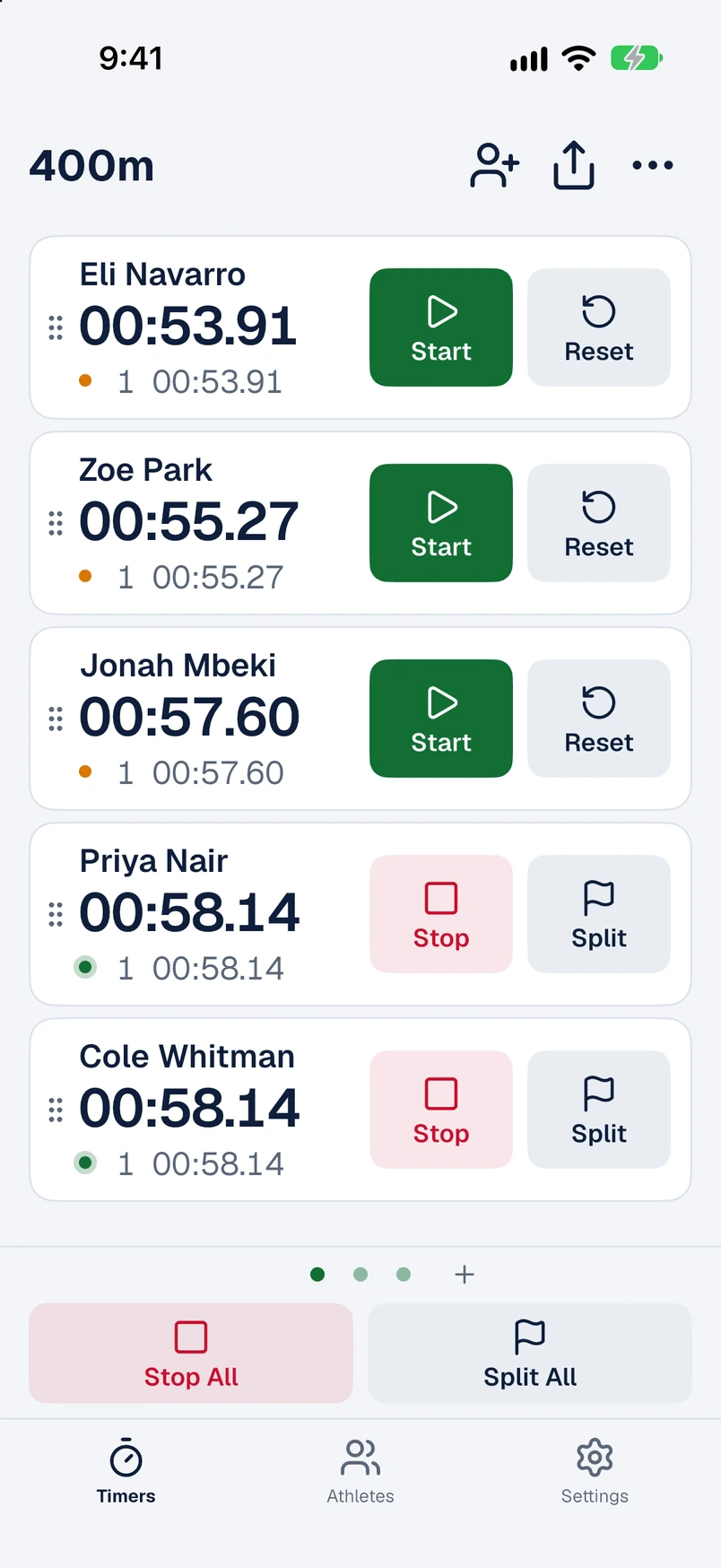
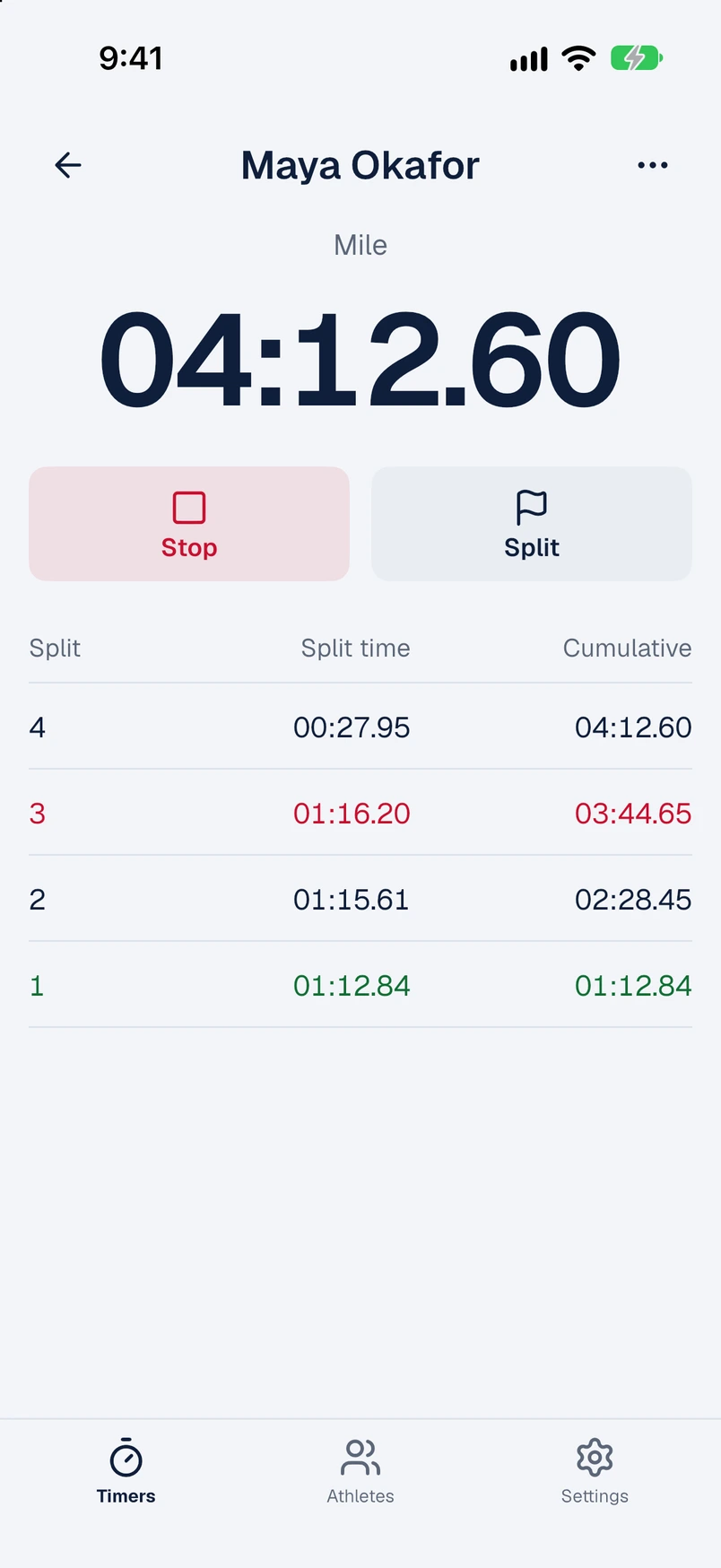
Each split flashes green as you take it. Open an athlete to see split time beside running total, with the fastest in green and the slowest in red.
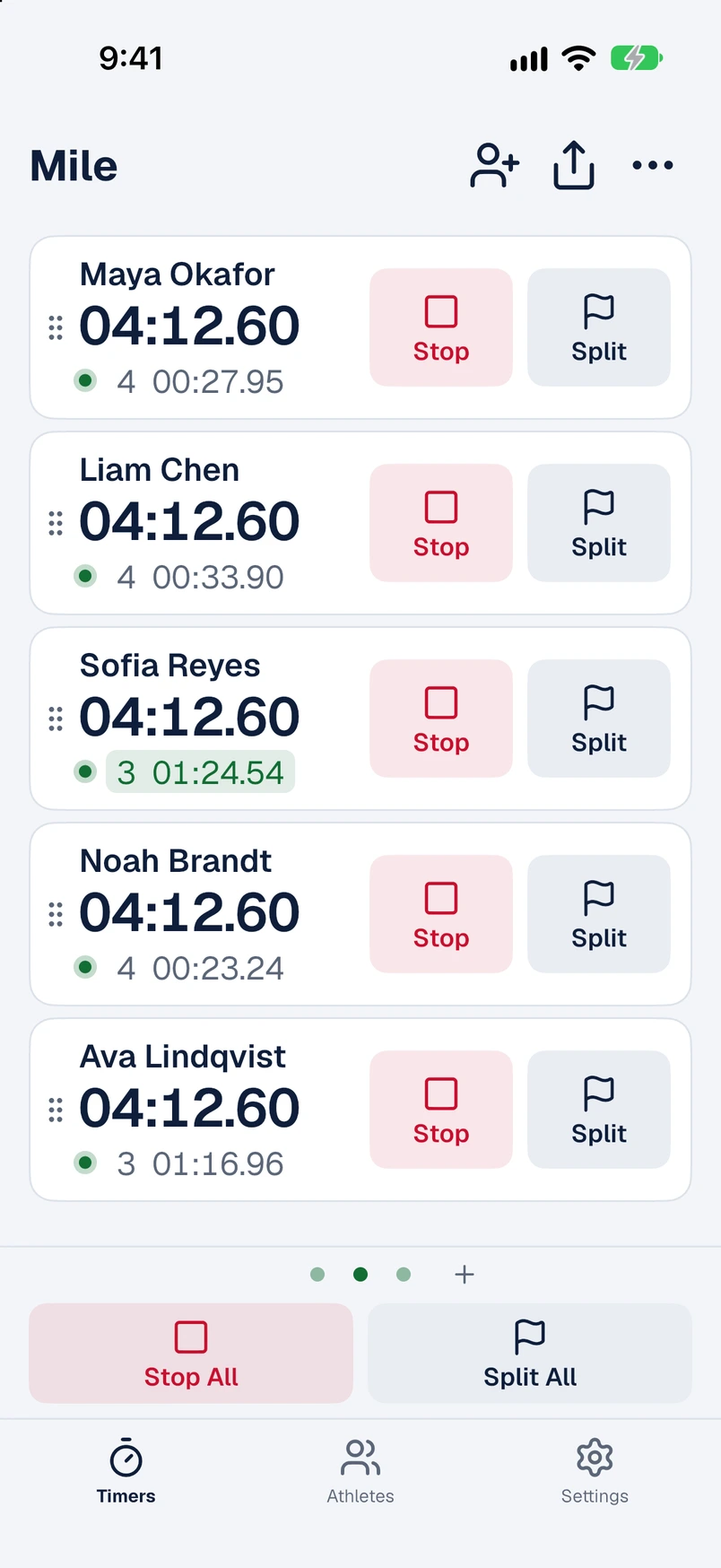
Sprinters on one page, distance on the next. Swipe between workouts and every one keeps timing; a green dot shows which are still running.
One team clock on top. Hand off with a single tap and BaseTimer records every leg, with splits inside a leg if you want them.
Volume-button timing
Hold the phone like a stopwatch. Volume up starts and stops. Volume down takes a split, then moves on to the next runner so you can click them through the line one after another.
Made for the clock sports
Track & field
Start a whole heat together, split every lap, and time the 4 × 400 with a leg time for each runner.
Cross country
One Start All at the line, then a split for each runner at every mile marker. Works where there is no signal.
Swimming
Take 50 and 100 splits from the deck with the volume buttons, eyes on the wall instead of the screen.
Cycling
Send riders off together or one at a time, split each ascent, and compare every repeat afterwards.
The details
Times come from timestamps, not a ticking counter. Lock the phone, take a call, or lose the app entirely: the clock is right when you come back.
Keep athletes in groups such as Sprints or Distance and add a whole group to a workout in one tap. Import and export the roster as CSV.
Share one workout or all of them as CSV or plain text through the iOS share sheet: to email, Messages, Files or a spreadsheet.
BaseTimer works entirely on your phone. Nothing to sign up for, and it runs the same at the far end of the course as it does in the office.
BaseTimer is coming soon to iPhone.